
TradingView 指標
一套依照 Academy 課程所教 EMA 框架打造的 TradingView 指標套組——安裝於你自己的 TradingView 帳號上,並包含在每一個 More Than Money Academy 會員方案中。
包含內容
取得指標權限後,Academy 專屬的 TradingView 指標組合會加入你自己的 TradingView 帳號。你可以在結帳時輸入你的 TradingView 使用者名稱(或稍後於「設定 → 會員資格」中新增),權限會於 24 小時內開通並發送確認電子郵件。這套指標是為 Academy 的 9 模組課程打造的—— 以 EMA 為基礎的技術分析模組 教授這些指標所依據的框架,因此它們僅隨 Academy 會員資格提供,不單獨銷售。
14 個指標
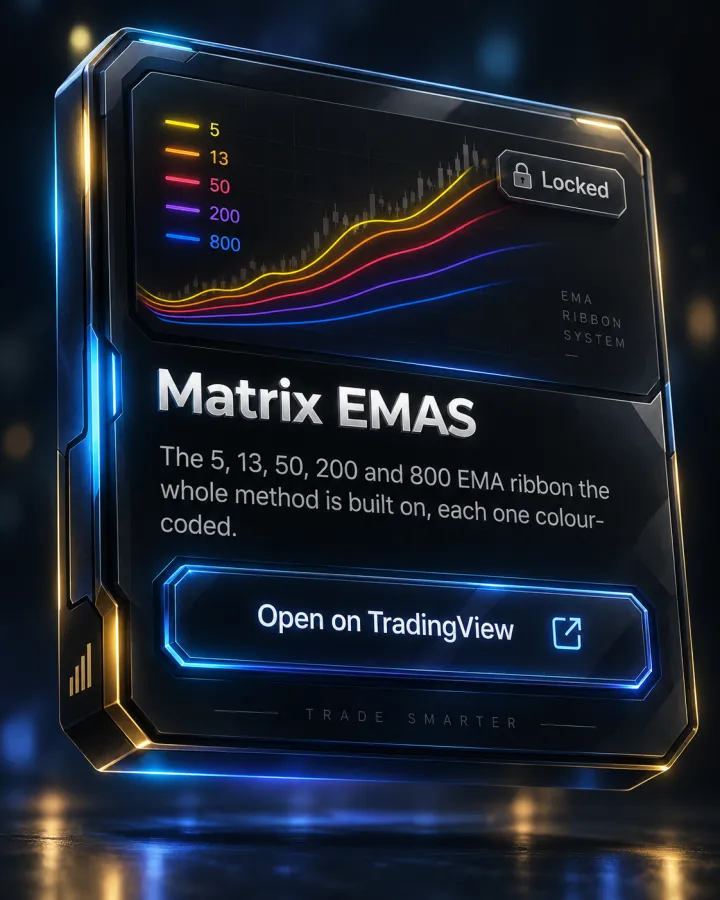
Matrix EMAS
整套方法的核心:5、13、50、200 與 800 EMA 色帶,每條均以顏色區分。
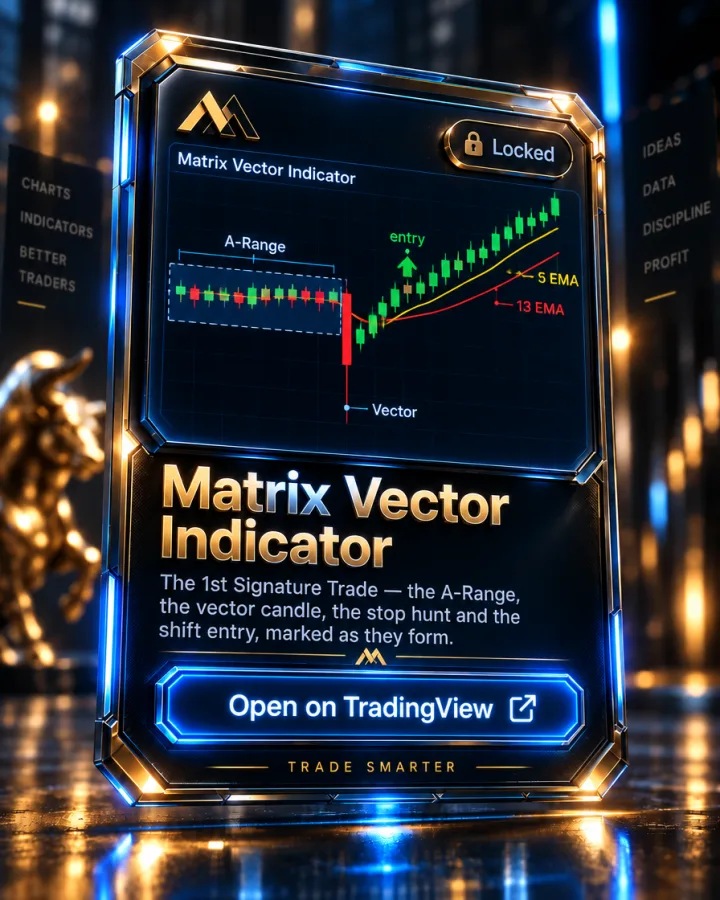
Matrix Vector Indicator
在任何時間週期上,標記出圖表上的向量蠟燭。
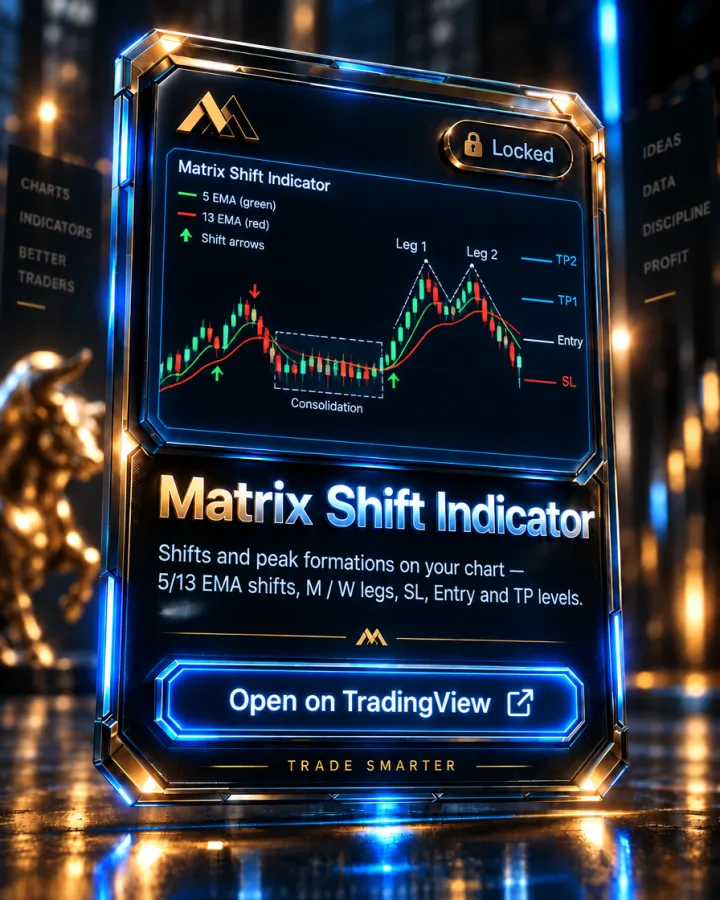
Matrix Shift Indicator
以 5 與 13 EMA 為基礎的轉變(shift)與峰形:A 或 B 級的 M / W 型態,附 SL、Entry、TP1、TP2 價位與 KC 出場。
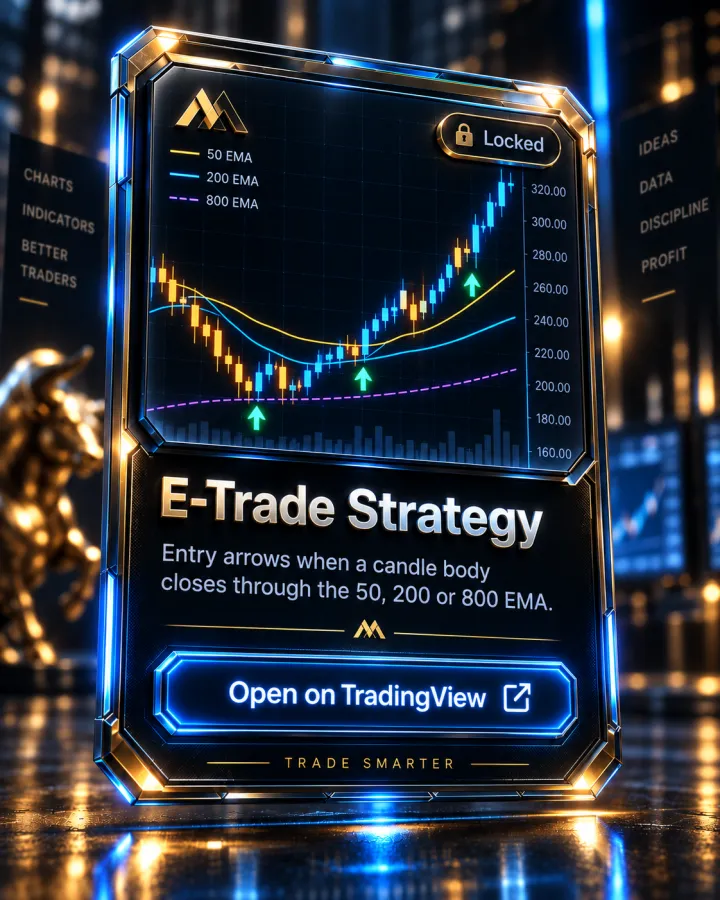
E-Trade Strategy
當蠟燭實體收盤穿越 50、200 或 800 EMA 時發出進場箭頭。
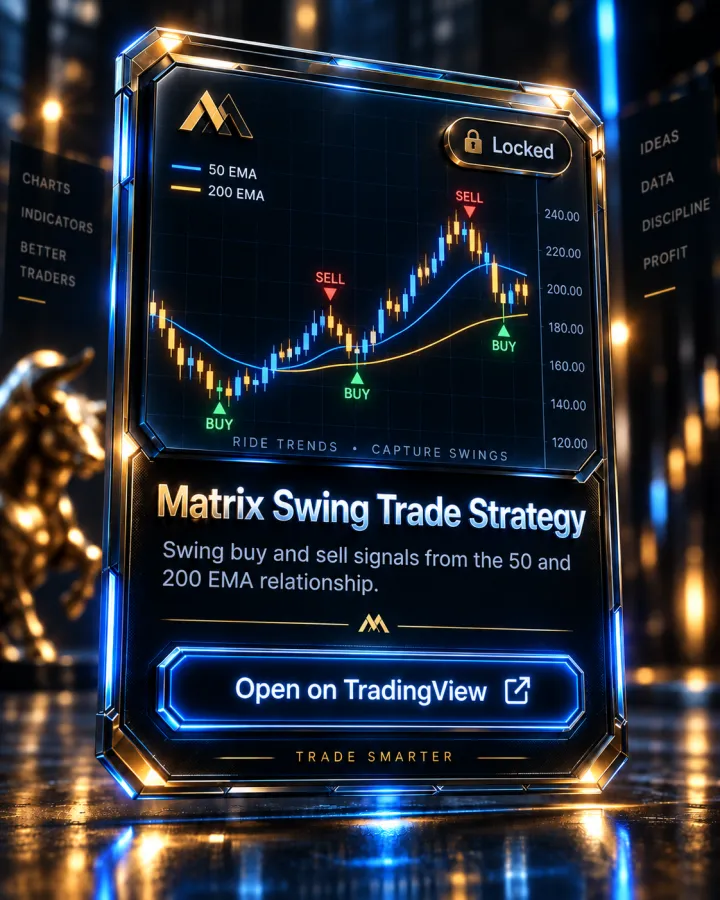
Matrix Swing Trade Strategy
根據 50 與 200 EMA 的關係產生波段買賣訊號。
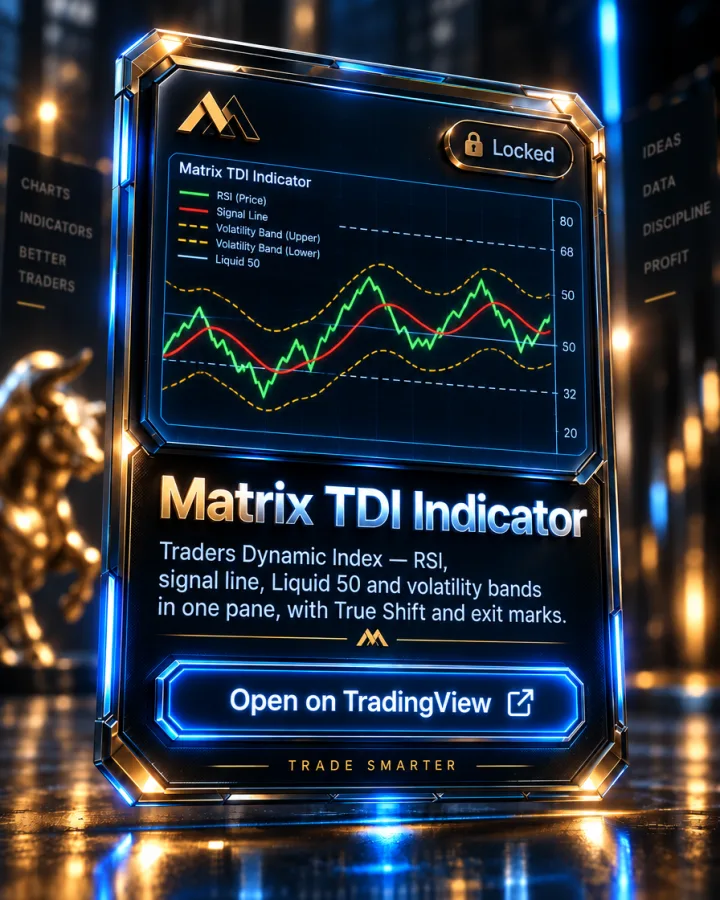
Matrix TDI Indicator
Traders Dynamic Index——RSI、波動帶與訊號線整合於一個面板中。
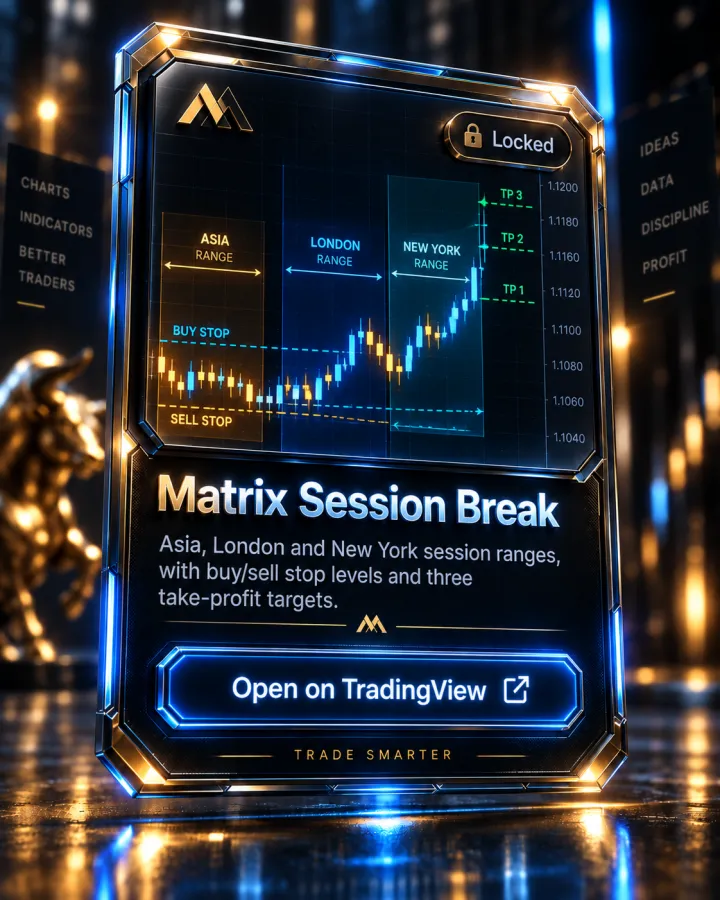
Matrix Session Break
亞洲、倫敦與紐約盤區間,附帶買/賣停損水位與三個止盈目標。
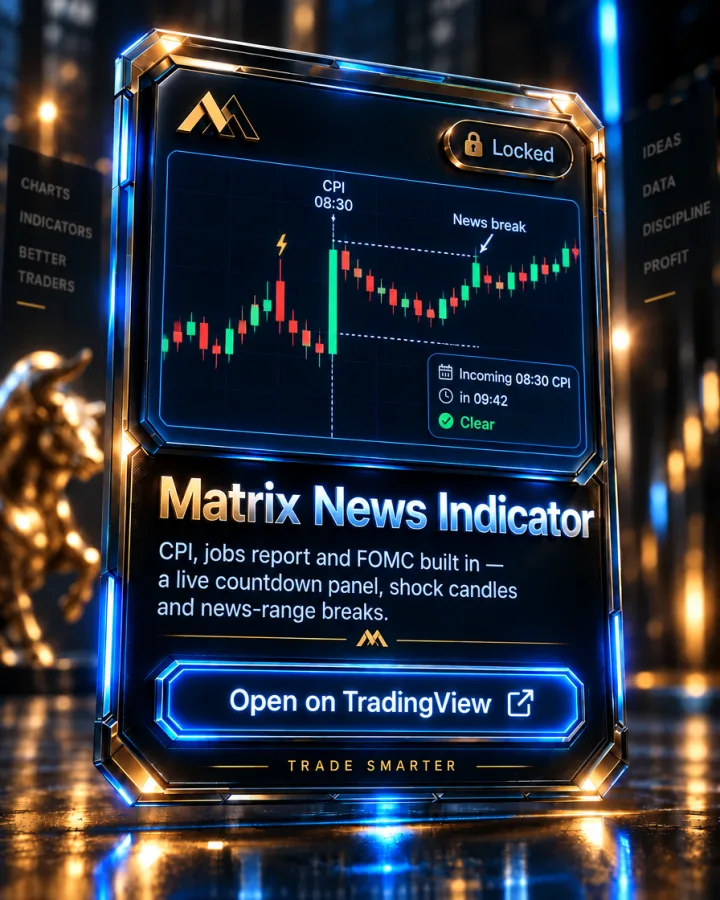
Matrix News Indicator
內建 CPI、非農就業報告與 FOMC,另可加入你自己的事件:即時倒數面板、衝擊蠟燭與新聞區間突破,並附提醒。
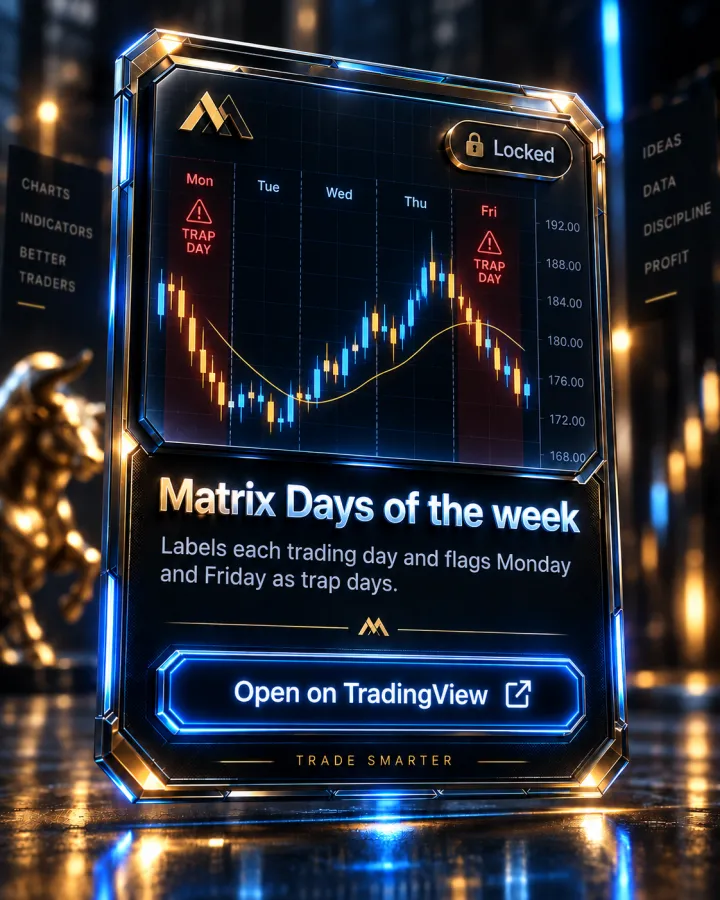
Matrix Days of the week
標示每個交易日,並將週一與週五標記為陷阱日。
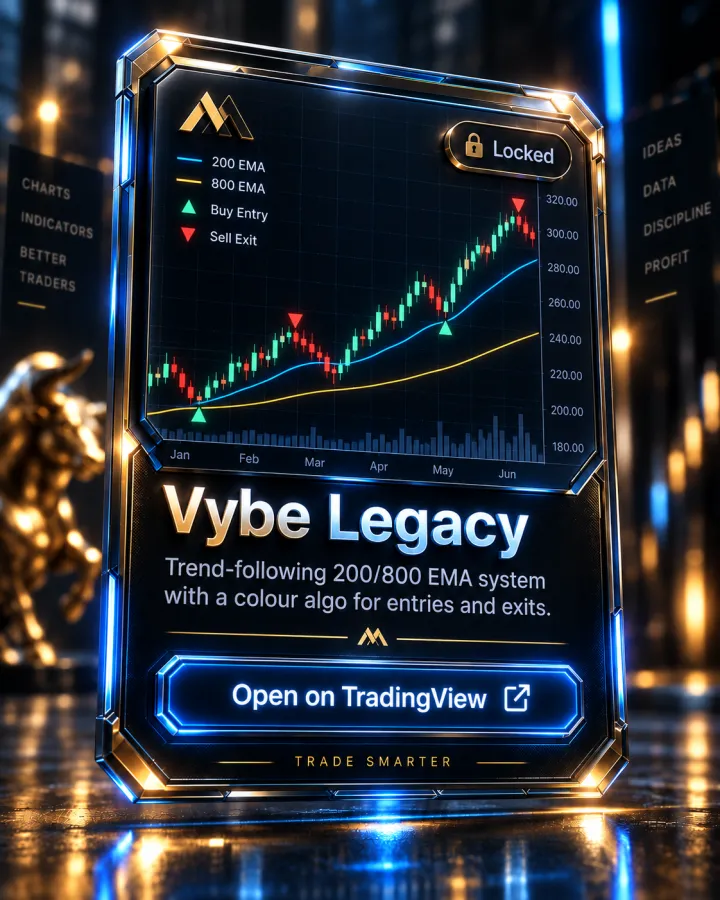
Vybe Legacy
以 200/800 EMA 為基礎的順勢系統,搭配顏色演算法提供進出場訊號。
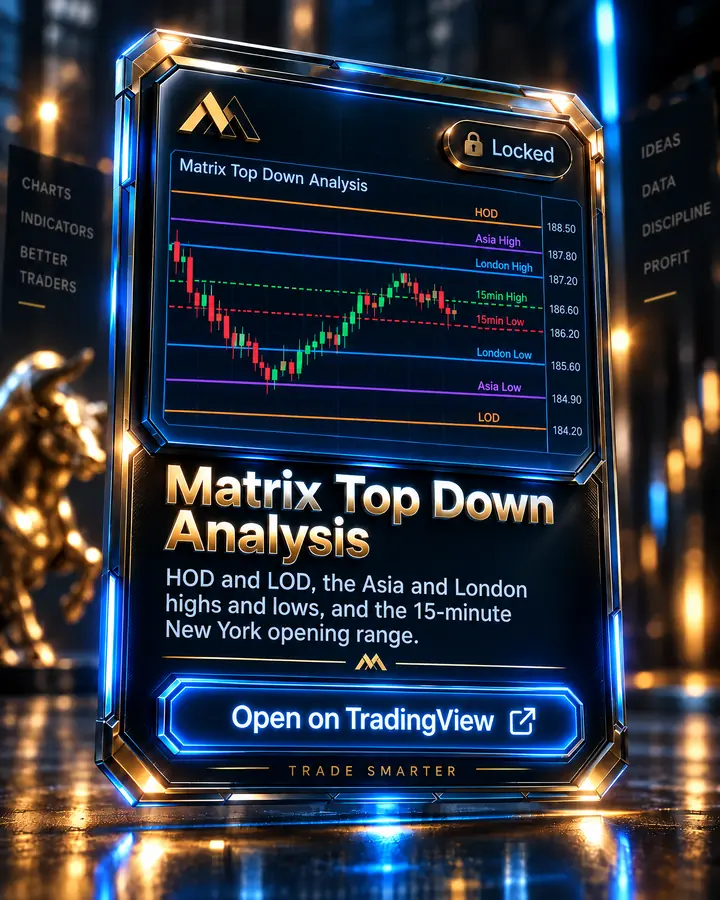
Matrix Top Down Analysis
HOD 和 LOD、亞洲及倫敦時段的高低點,以及紐約 15 分鐘開盤區間。
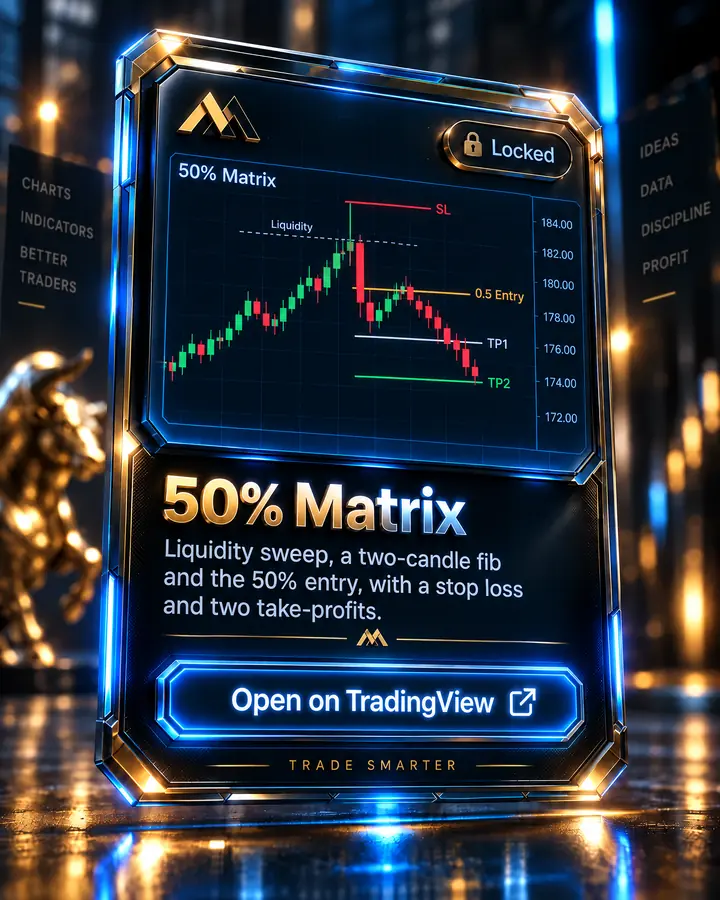
50% Matrix
流動性掃蕩、雙燭斐波那契與 50% 進場點,附帶停損與兩個止盈目標。
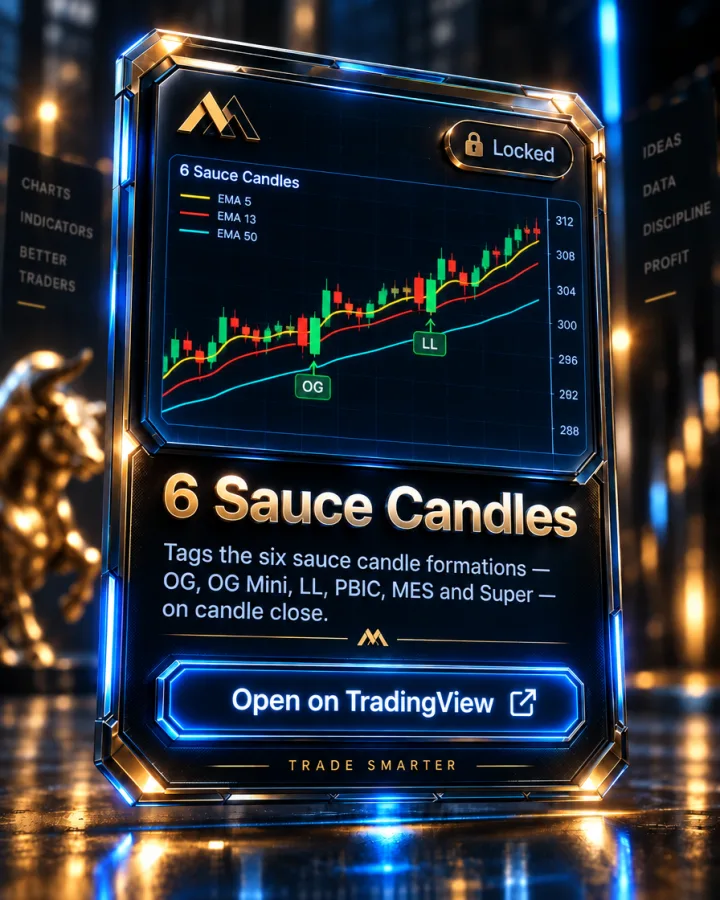
6 Sauce Candles
在蠟燭收盤時標記六種 sauce candle 型態——OG、OG Mini、LL、PBIC、MES 和 Super,並提示買進與賣出。
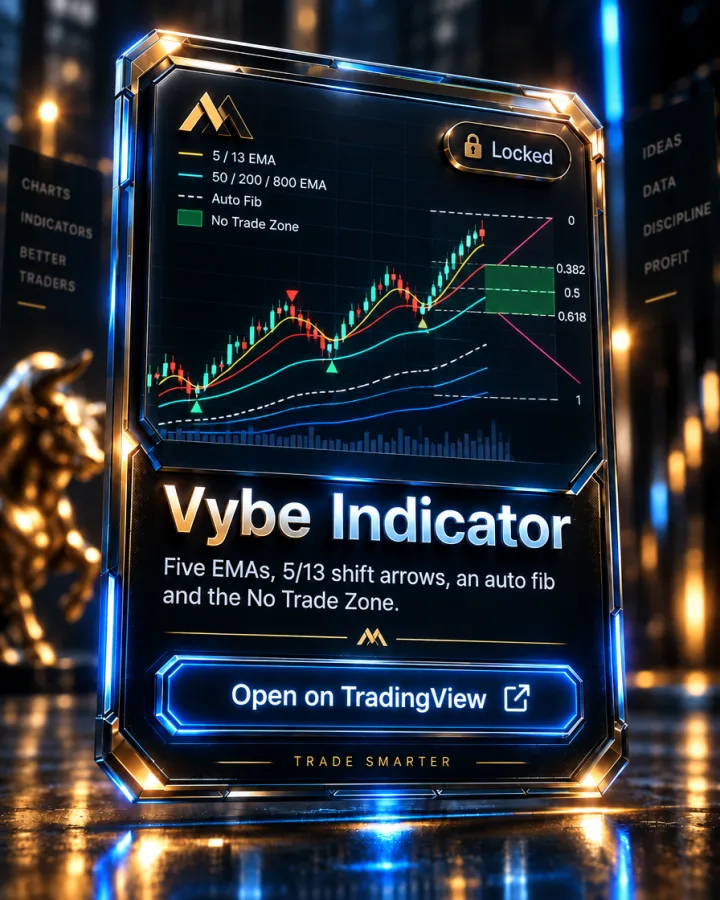
Vybe Indicator
五條EMA、5/13轉換箭頭、針對最新走勢的自動斐波那契,以及No Trade Zone,集於一個指標。
適合對象
正在學習 Academy 以 EMA 為基礎系統的交易者,希望將其設定在自己的 TradingView 圖表上。這是一套圖表工具,不是訊號服務或自動化策略。
價格
所有 Academy 方案皆已包含,最低 $499 起
TradingView 指標不單獨販售——加入 Academy(一次性付款,不會自動續訂),即可取得 TradingView 存取權限。詳見 完整價格資訊.
常見問題
What are Indicators and how do I get TradingView access?
How does billing work?
What's included in my membership?
更多問題解答請見完整的 常見問題頁面.