
Matrix Days of the week
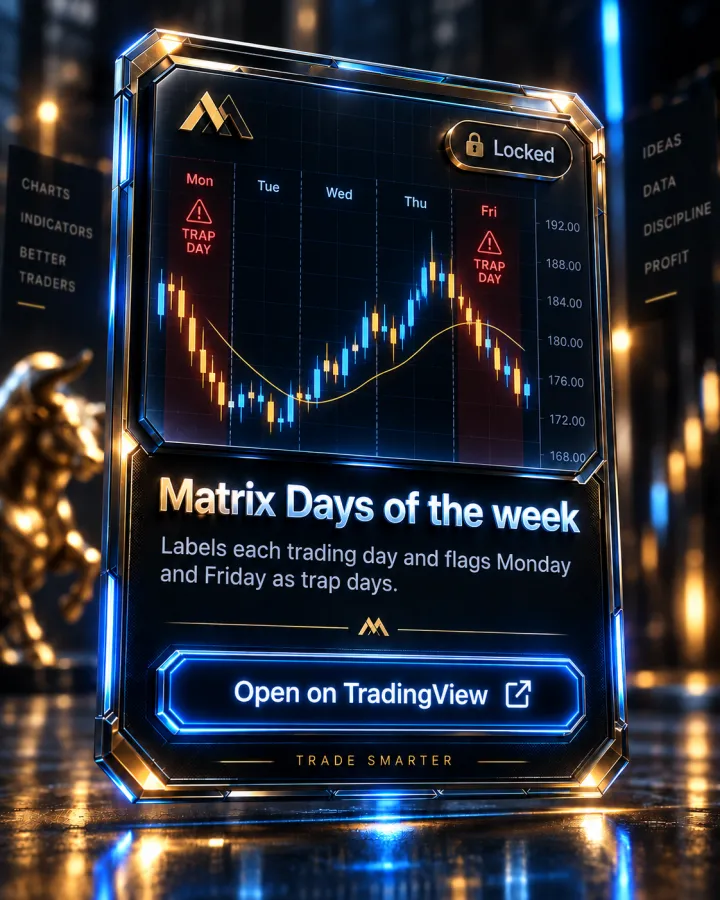
Labels each trading day and flags Monday and Friday as trap days.
What it shows
Matrix Days of the week labels each trading day directly on the chart and flags Monday and Friday specifically as a "Trap Day" in the market, per the script's own description. The listing itself is brief — TradingView categorizes it under candlestick analysis, chart patterns and cycles, but doesn't publish detailed settings beyond the day labeling itself.
How it's used in the MTM method
There's no dedicated curriculum lesson naming "trap days" in the current Academy modules. It pairs naturally with the general session and range awareness taught in the Market Foundations module's "Trading Session Times" and "The A-Range" lessons — knowing which day of the week you're trading is part of the same context those lessons build.
Key features
- Labels each day of the week on the chart
- Flags Monday and Friday as a Trap Day
Pairs with
Matrix Session Break
Asia, London and New York session ranges, with buy/sell stop levels and three take-profit targets.
Matrix News Indicator
CPI, jobs report and FOMC built in, plus your own events: a live countdown panel, shock candles and news-range breaks, with alerts.
Matrix EMAS
The 5, 13, 50, 200 and 800 EMA ribbon the whole method is built on, each one colour-coded.
How access works
- This indicator is invite-only on TradingView. Access is granted automatically to your TradingView username after you join the Academy — usually within minutes.
- Open the Matrix Days of the week script page on TradingView and click "Add to favorite indicators."
- On any chart, open Indicators (the "/" key) → Favorites, and it's there. It's also listed under your Invite-only scripts.
Matrix Days of the week is included with every Academy plan — not sold separately
Full Academy access starts at $499, one-time, not a subscription. See full pricing.
FAQ
Why are Monday and Friday flagged?
The script's own description labels them as a "Trap Day" — the indicator's own term, not a named concept in the current Academy curriculum, so treat the flag as a heads-up to apply extra caution rather than a taught rule.
Does it show anything besides the day label?
Per the script's listing, its documented feature is the day-of-week labeling with the Monday/Friday flag — no other settings are published on the page.
More questions answered on the full FAQ page.
See the rest of the toolkit on the TradingView Indicators page.
Trading forex and futures involves substantial risk of loss and is not suitable for every investor. Nothing on this page is investment advice. Read the full risk disclosure.